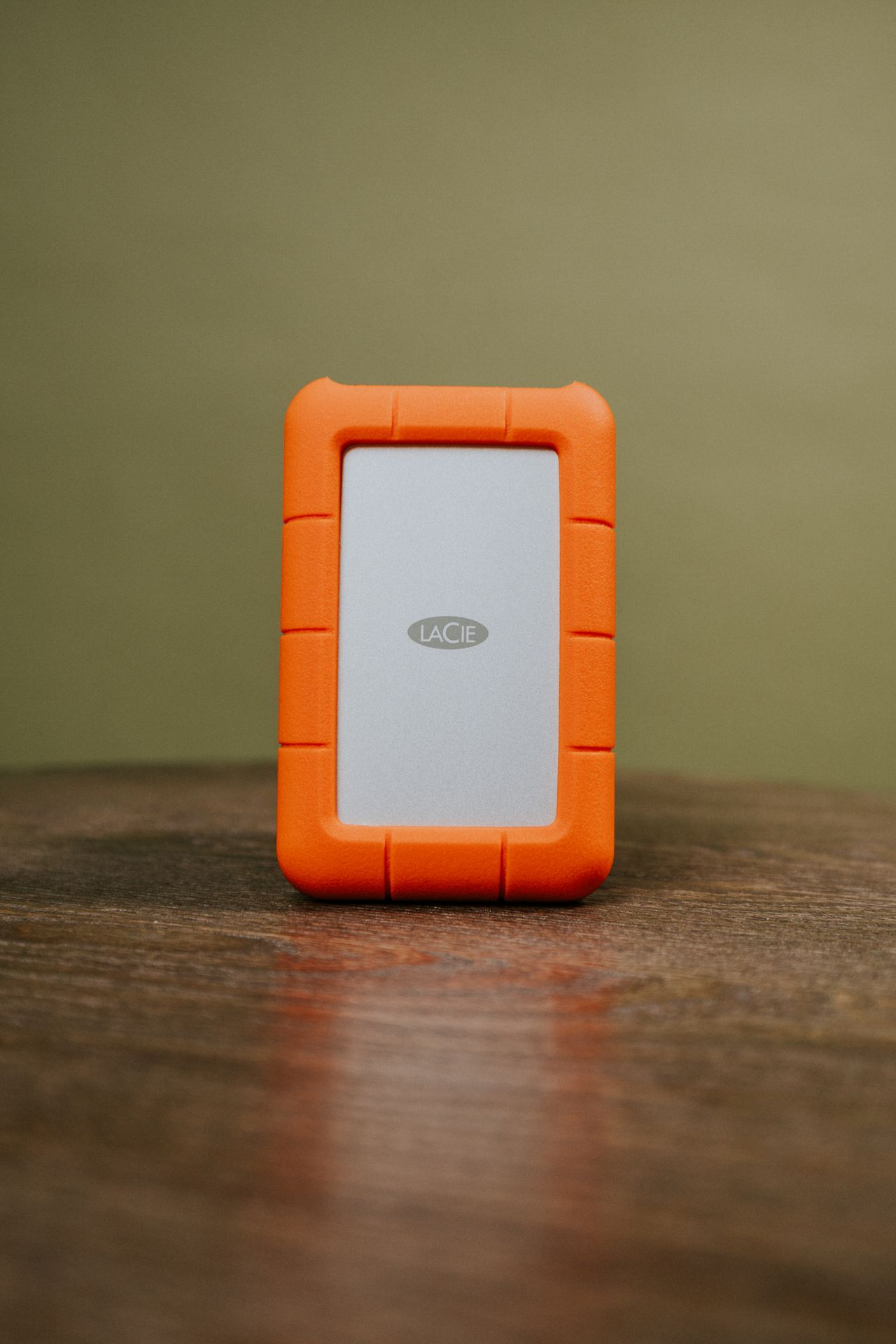
A backup drive needs to hold more than today's file collection. Retained versions and new material increase the required capacity. It must also work with the computer, backup software, and intended storage arrangement. A short list of actual requirements is therefore more useful than comparing headline speed figures alone.
Allow for data and versions
Measure the data that will actually be protected, including additional drives and local application data. If the backup retains versions, extra capacity depends on how much files change and how long older states remain available. A fixed multiplier does not fit every collection.
Allow for foreseeable growth, such as new photography or video projects. Check what the software does when space runs short. Does it remove older versions automatically or stop backing up? Its behavior should suit your needs rather than come as a surprise during important work.
Consider connections and daily handling
Check the connection, cable, and any separate power supply. A drive that depends on an adapter you frequently misplace is less likely to be connected regularly. A fixed workstation may benefit from a different form factor than a drive transported often. Choose for the real process rather than the smallest enclosure.
Advertised speed will not be reached in every backup. Many small files and the connection affect duration. What matters is reliable completion within the available time. Also confirm that the intended file system is supported by the backup software.
Include protection and recovery
If the drive contains confidential material or will be stored away from home, plan suitable encryption and separately accessible recovery information. Before setup, establish whether existing data will be preserved or the drive must be erased. Buying storage is not the same as having a working backup.
Complete the initial backup and a restoration test after setup. Label the device so it can be identified without revealing sensitive contents. Another suitable copy in a separate location still matters when loss, theft, or a shared incident could affect both computer and drive.