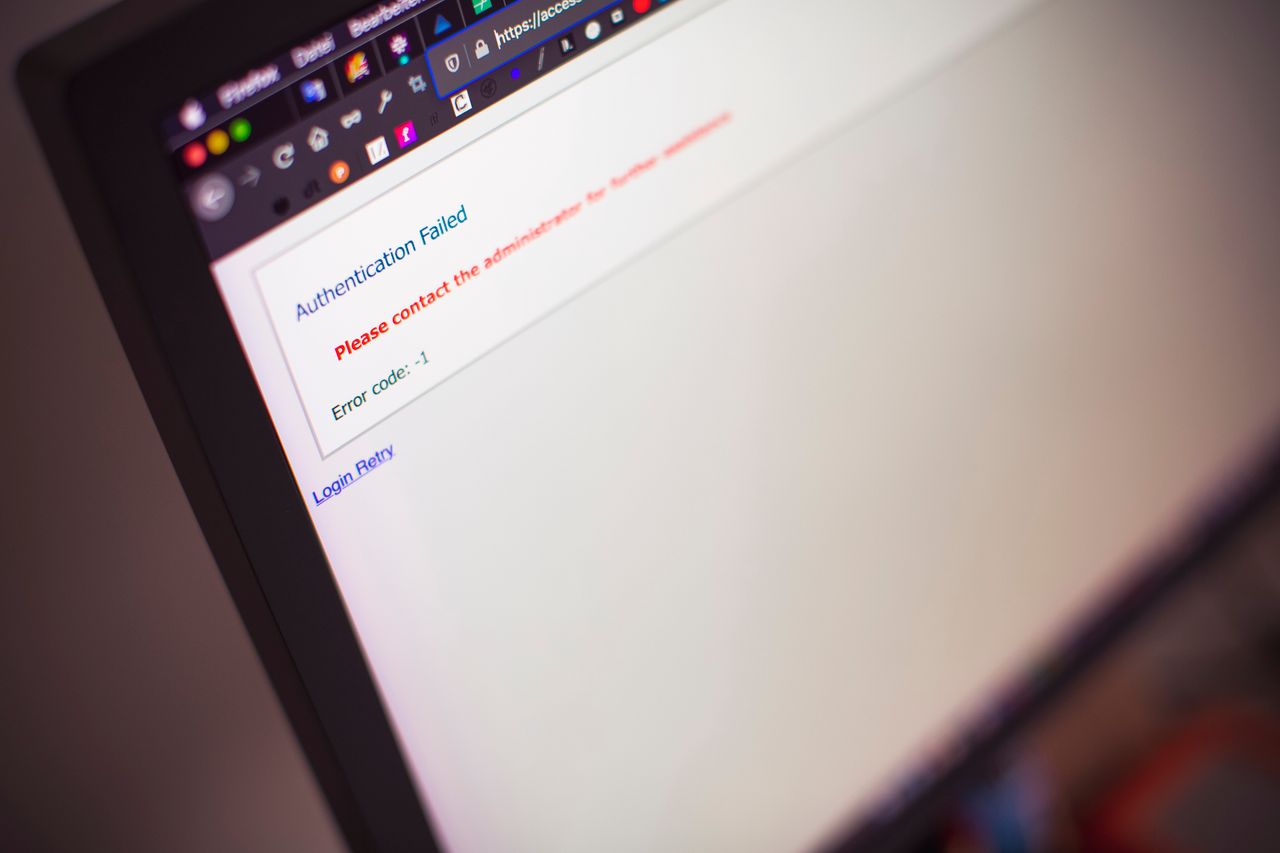
A message reports an unusual sign-in and demands immediate action. It could be a real warning or an attempt to steal credentials. Verification therefore starts outside the message: open the service's known website or application directly and inspect the account there. Urgency alone is not evidence that the supplied link is trustworthy.
Treat the message as a clue
Do not immediately click the review button or open unexpected attachments. A familiar display name or appropriate logo can be imitated. A personalized greeting proves little too. First identify the claimed service and time.
Open the account through a saved entry or known address. Find its official security-event and device overview. Google, for example, documents reviewing recent security activity directly within the account. Compare those details with your own sign-ins rather than responding solely to the email's presentation.
Assess unfamiliar activity carefully
A new browser, network, or reset device may trigger a genuine alert. Location information can be approximate and may not show your physical position. That is not a reason to dismiss an unfamiliar sign-in. Consider device type, time, and context together.
Do not approve an unexpected sign-in prompt on your phone. If you did not initiate a sign-in, approval is not needed to dismiss a warning. Use the official account-security options instead and end unfamiliar sessions where the service supports it.
Act on a confirmed problem
If you identify unauthorized access or entered credentials on a suspicious page, change the affected password through the official service. Also review recovery details, active sessions, and connected applications. A new password does not necessarily terminate every existing access route at every service.
For a work account, notify the designated internal contact. Report suspicious messages through the mail service's reporting feature and preserve details needed for investigation without spreading the harmful link. Then verify that additional protection and an independent recovery route are actually configured.
Do not use a phone number supplied by the questionable message to verify it. Find a known official contact independently. Otherwise, the supposed verification may simply lead back to the same sender.