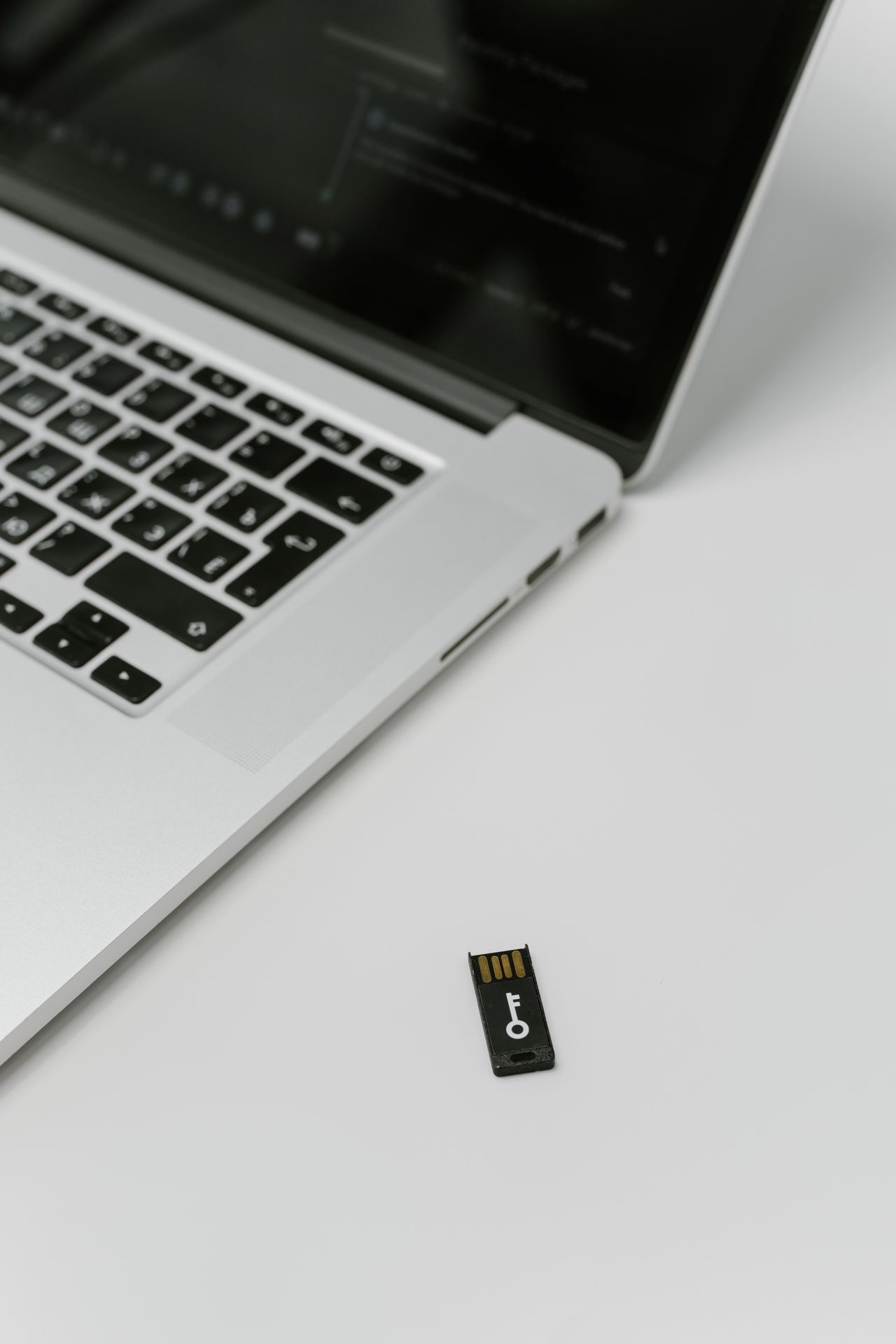
A passkey sign-in often avoids typing an account password. You approve the sign-in on a device, perhaps with its PIN or biometric unlock. The everyday action looks simple, but changing devices raises new questions: where is the passkey stored, is it synchronized, and what fallback remains if the device is lost? Resolve those questions before setup rather than when facing an inaccessible account.
What changes during sign-in
Passkeys use a cryptographic key pair. The service receives the public part; the private part is managed by the authenticator and its intended storage. Sign-in does not send a reusable password to the website. FIDO describes the method as phishing-resistant because authentication is bound to the intended service.
The device PIN is not simply a new password for every website. It unlocks local access to the authentication process. Biometric verification is also local approval; it does not mean the website receives your fingerprint. A well-protected device still matters: someone who controls its unlocking may also be able to use stored sign-in methods.
Know where the credential is kept
Depending on the implementation, a passkey may synchronize through a provider across your devices or remain bound to one device or security key. Those approaches have different consequences for loss and migration. During creation, inspect the selected provider or storage location instead of accepting every prompt automatically.
Do not create personal passkeys on someone else's device or one that is shared without controlled access. Google explicitly notes that someone able to unlock a device may use a passkey created there. Signing out of a website does not necessarily remove a stored passkey from its credential manager.
Start with a manageable account
First check which sign-in methods the service will retain. Some accounts keep a password as a fallback; others can be configured differently. Establish only a process whose recovery you understand. In a password manager or protected account inventory, record which passkey provider serves the account.
Then test a fresh sign-in through the known official website. Deliberately use the new passkey and observe which device or provider is involved. If another computer is part of your intended workflow, test that route too. Success on the first device does not automatically validate every other device.
Plan recovery and understand the limits
Establish how you would regain access after losing a device. For synchronized passkeys, access to the storing account is important. A device-bound credential may require another separately configured sign-in route. Keep necessary recovery information protected and independent.
Passkeys do not solve every account-security problem. Malware on an unlocked device, poorly configured recovery routes, and deceptive requests for other actions still matter. Approve only sign-ins you initiated and keep devices updated. The improvement is a stronger authentication method, not a blanket guarantee for everything done after sign-in.