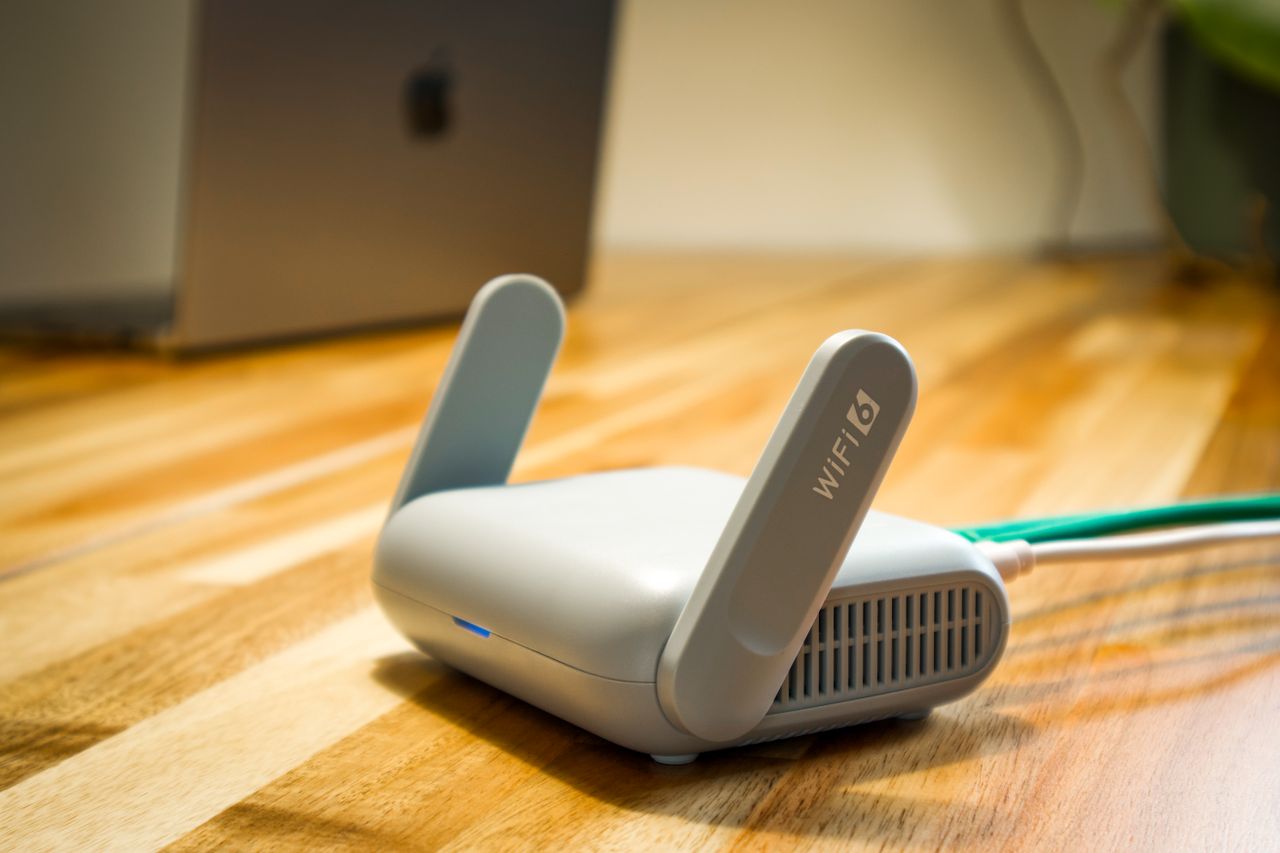
A video call stutters at the desk but works in the next room. Before buying a new router or internet plan, examine the placement of existing equipment. Walls, furniture, and distance from the access point can matter. A measurement beside the router does not automatically describe the connection where you actually work.
Record the starting conditions
Note where the router and computer are located and when problems occur. Does the issue affect one room, several devices, or the entire connection? Moving a laptop will not necessarily solve an internet-provider fault. Compare similar tasks in several locations under reasonably similar conditions.
Check whether large transfers are happening on other devices at the same time. If you are investigating placement, avoid completely different background loads in every trial. Use the same computer and application. An observation such as “the call drops after several minutes” can be more informative than the number of Wi-Fi bars alone.
Try open, elevated positions
Follow the router's placement instructions. An open, raised location is often preferable to the floor behind a cabinet. Avoid hiding it deep among objects solely for appearance. Continue to allow suitable power access, ventilation, and the necessary connection to the modem.
In a mesh system, an additional point needs a useful connection to the rest of the network. Putting it directly in the weakest location can therefore disappoint. Check the manufacturer's placement guidance and available connection tests. Small changes within a room are worth trying before adding more devices.
Retest at the desk
After each change, repeat a representative task and record the result. Test more than a brief download: include a call or the application where the problem occurs. For a fixed workstation, an Ethernet comparison can help distinguish wireless issues from other causes.
If several locations perform equally poorly, inspect router status and provider information as well. Buy additional network equipment only after identifying which part of the connection it is intended to improve. Keep a simple sketch of a working arrangement so later furniture changes do not quietly recreate the same weak spot. This also gives someone helping with troubleshooting a clear starting point.