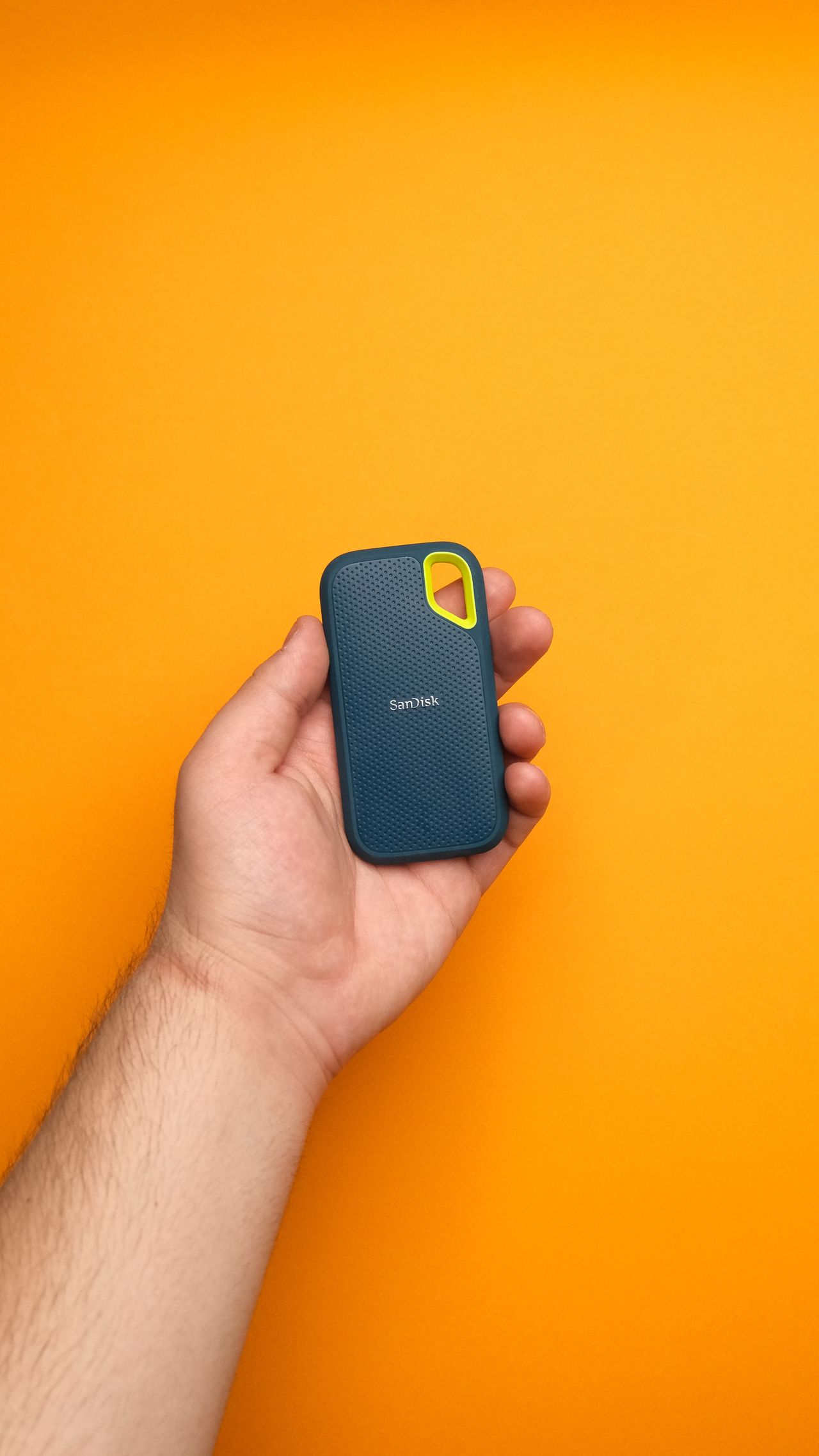
An external SSD can move photos between computers, hold large project files, or receive an additional backup. Those tasks look similar but have different requirements. For occasional documents, an uncomplicated connection may matter more than the highest transfer rate. For video projects copied daily, capacity, sustained writing behavior, and the connection path can become more important.
Establish the actual capacity requirement
Check the size of the data today and allow for foreseeable growth. A drive that is nearly full after its first transfer leaves little room for new projects or intermediate versions. Do not rely exclusively on an arbitrary rule to double every estimate. A growing video archive behaves differently from a fixed collection of training materials.
Distinguish a transport device from the only storage location. If you delete files from the computer after copying them, the SSD may become their sole home. That is not yet a backup strategy. Irreplaceable files need another independent copy and a tested recovery path. A sturdy-looking enclosure does not replace that second copy.
Check the connection to your computer
Compare the SSD interface with the capabilities of the computer port you will actually use. Manufacturers often specify particular host requirements for their highest speeds. A USB-C connector that fits is therefore insufficient evidence. Include the supplied cable and any dock through which the drive will normally connect.
Check the ports on your other devices too. A small adapter can be convenient, but it adds another connection and potentially another limitation. If the drive connects directly to a laptop while traveling, avoid leaving its cable under tension. A small enclosure is useful as long as it can rest securely in the intended arrangement.
Look at the relevant kind of speed
A maximum read figure does not automatically describe writing many small files. Long transfers can also behave differently from a brief test. Compare published numbers directly only when direction, conditions, and units match. Treat your own results as observations of your particular setup, rather than as a universal product verdict.
For a useful functional check, use copies of representative material: a folder of small documents and a larger file. Avoid running another backup or large transfer at the same time if you want a meaningful comparison. Afterward, open several destination files and check that the transfer is complete.
Plan formatting and protection
If the drive will move between operating systems, check their support for the chosen file system and any encryption. Formatting removes existing contents. Back them up first and confirm that the selected drive is the intended one. On shared computers, also establish whether required unlocking software may be installed.
Decide where recovery information will be kept if you use encryption. Storing the only recovery key on the encrypted SSD does not help when access fails. Keep the receipt and model identification separately so you can find instructions and appropriate support later.
Use a small decision table
Compare two or three candidates by capacity, compatible connection, included cables, and intended use. Add protection needs and extra costs such as an adapter. A slower drive may be entirely adequate for documents, while a better-matched interface can save time during frequent large transfers. The decision should follow the workflow, rather than the largest number on the package.