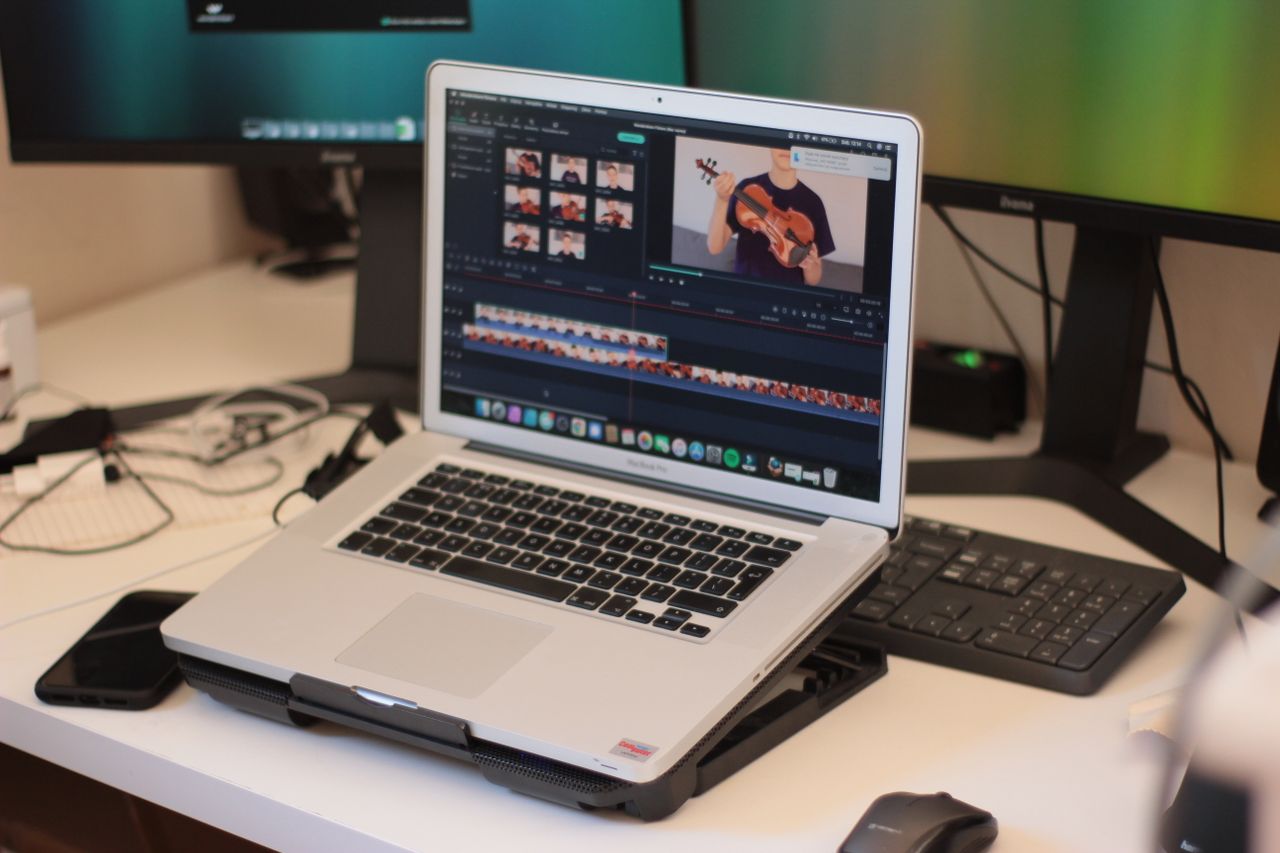
A video project usually contains more than its finished movie. Original footage, previews, audio, project files, and exports all need storage. The right location depends on whether you are editing, transporting material, or preserving a completed release. One large drive can serve several of those roles, but it should not hold the only copy of irreplaceable footage.
Estimate the whole project
Measure the existing material and allow for new footage, extra exports, and temporary files. Leave working room because editing applications can generate additional data during use. The appropriate amount depends on the application and workflow; one fixed percentage does not suit every project.
Distinguish original footage from previews or cache files that can be regenerated. The latter may sometimes be removed, but only through an understood process. Do not delete unfamiliar project components merely because they are large. Check how the application uses the relevant storage location.
Check the file system and connection
Enough free space does not mean every individual file will fit. FAT32, for example, limits a single file to just under 4 GiB. A large movie can therefore fail to copy despite ample total capacity. Choose a file system supported by the computer and any playback device that must use the drive.
Formatting is not a harmless preference change: existing contents can be lost. Back up required files first and identify the correct drive. Working speed also depends on the complete chain of computer port, cable, enclosure, and storage device. A fast drive cannot make a slower connection faster.
Separate editing from archiving
During editing, source files need to remain reliably available. Changing drive letters or moving folders can break links. Keep the project structure stable and use the editor's collection function for later moves when available. Afterwards, verify that all media can be located.
For archiving, preserve the project file and a readily playable final output alongside the originals. Document unusual fonts, plug-ins, and other dependencies. A folder of source media does not guarantee that an arbitrary future computer can reopen the edit without preparation.
Verify more than the progress bar
Copy important footage before removing it from the original location. Compare file counts and sizes, and use content hashes where appropriate. Play samples from several positions rather than checking only the opening seconds. A thumbnail says little about the integrity of a long movie.
Back up irreplaceable material independently of the working drive. Cloud storage can provide another copy, but it needs sufficient upload time and a tested download path. Clear memory cards only after the intended copies are complete and verifiable. The working drive and the only backup should not be the same physical device.