A laptop may use wireless networking while traveling yet spend hours in the same place at home. A wired connection can make sense there, but it is not automatically necessary. The decision depends on whether the current connection supports your work reliably and whether a cable can be routed without creating a hazard. A generic speed promise is not enough.
Describe the actual problem
Distinguish slow large downloads from unstable calls or dropped connections. These symptoms can have different causes. If the internet service itself is faulty, Ethernet does not automatically remove the fault. If the wireless link at the desk fluctuates, however, a cable provides a useful comparison.
Try the same representative task on the same computer through both connections. Keep other conditions similar and record more than a peak speed. For a conversation, interruptions matter more than one brief throughput result. Also check that any required work VPN is used consistently during both trials.
Plan the cable route realistically
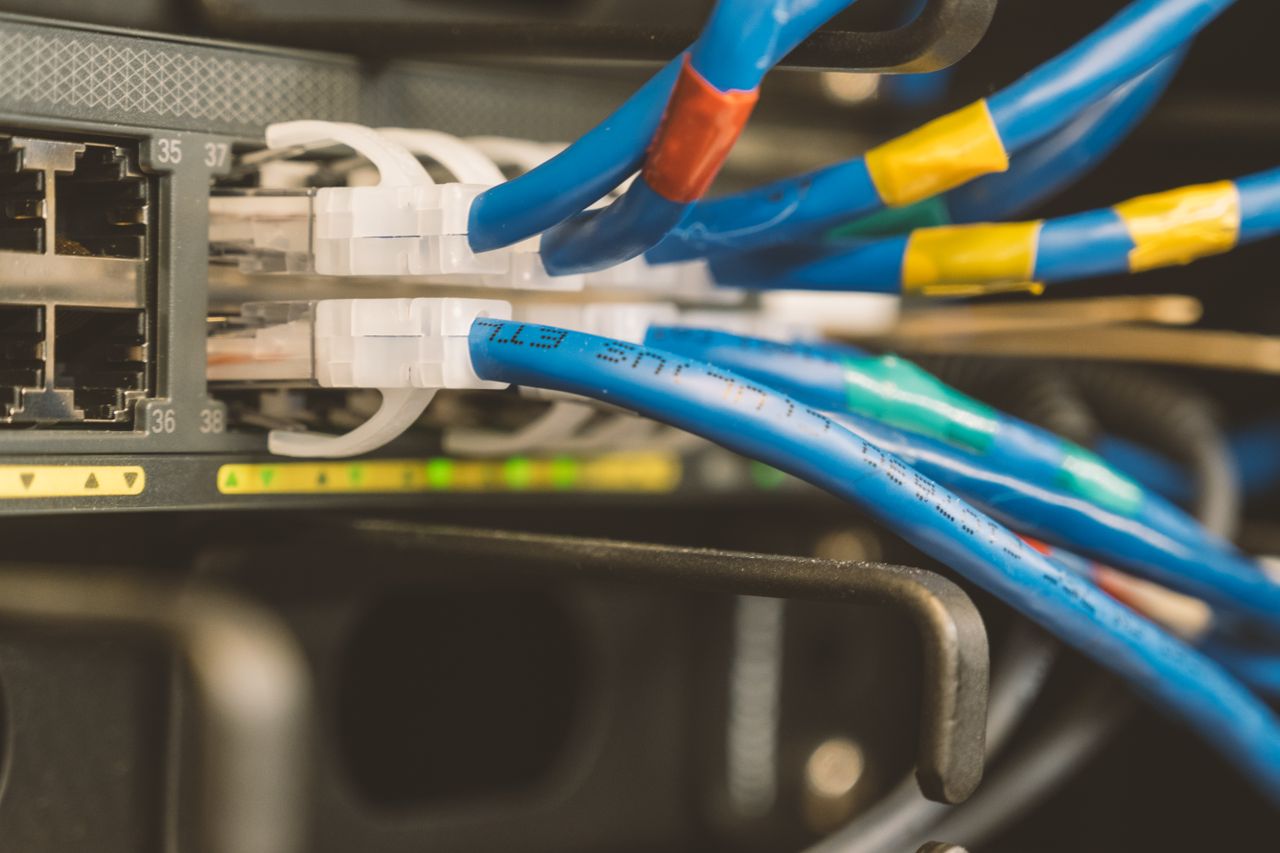
A suitable Ethernet port may be built into the laptop or provided by an adapter. Check its supported speed along with the router or switch port. A slower component can limit the connection. Replacing an adapter alone does not improve every other part of the path.
Route the cable clear of doors, chair wheels, and walkways. A temporary test cable across a room is not a suitable permanent arrangement. An adjustable desk needs sufficient slack throughout its movement. Record which network port is used when several connections look alike, so later troubleshooting remains manageable.
Let the workflow decide
Wi-Fi is convenient when you move frequently or have no reasonable cable route. Ethernet can bypass the wireless segment at a fixed desk and provide a more traceable path. Neither replaces appropriate device security and software updates. A cable does not make an unfamiliar network automatically trustworthy.
Keep the arrangement that supports your actual work reliably. If Ethernet eliminates dropouts, you can either retain the cable or improve wireless coverage more deliberately. If both connections show the same problem, investigate beyond the wireless segment instead of buying more Wi-Fi equipment solely because the issue occurred on a wireless laptop.