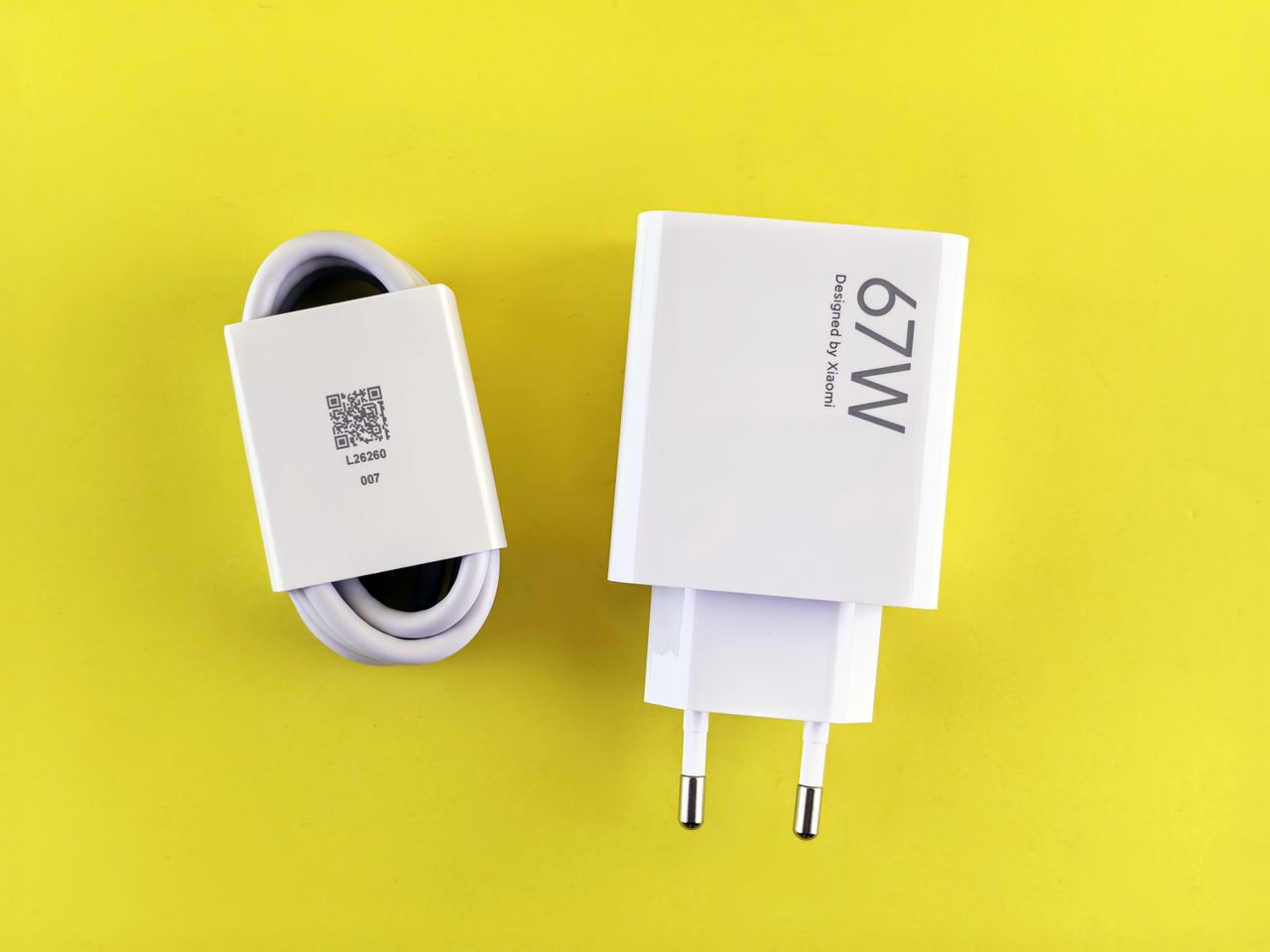
One charger for a laptop and phone can simplify a travel bag. The large wattage printed on it does not always reveal what a single port delivers when several devices are connected. Compare the charger with your devices' requirements and the intended cable before replacing the original power supply.
Begin with the device
Read the manufacturer's instructions for charging through the relevant port. Not every laptop with USB-C accepts power there. Check the recommended power for ordinary operation as well. A computer with a weaker supply may charge slowly or continue using battery power during demanding work.
Record which devices will connect at the same time. A laptop alone is different from a laptop, phone, and headphones together. With a dock, the important figure is power reaching the computer. The dock and other connected devices may use part of the supply themselves.
Read the multiport allocation
Look for a table explaining output under different port combinations. A charger's total rating is not necessarily available independently from every socket. Some arrangements redistribute output when another device is connected. Check that behavior in the instructions and later in your normal setup.
The cable must also support the required power and charging function. Use a connection with clear specifications. A cable that works with a small device has not thereby been verified for every laptop requirement. High data speed and high charging capability remain separate properties, even when both use the same connector shape.
Test a complete working session
Try the charger at the intended workstation first. While using your usual applications, observe whether the battery charges and whether the system reports limited power. Then add the other devices you plan to connect. Charging a switched-off computer does not establish that the supply is sufficient during work.
Inspect connectors, cable, and enclosure for damage, and follow ventilation instructions. If behavior or heating seems unusual, disconnect it and consult the manufacturer's guidance. Do not open the power supply yourself. For travel, also check mains-voltage and plug compatibility. A mechanical travel adapter does not automatically convert voltage. Keep the original suitable charger available until the replacement has been checked under the conditions you actually intend to use.