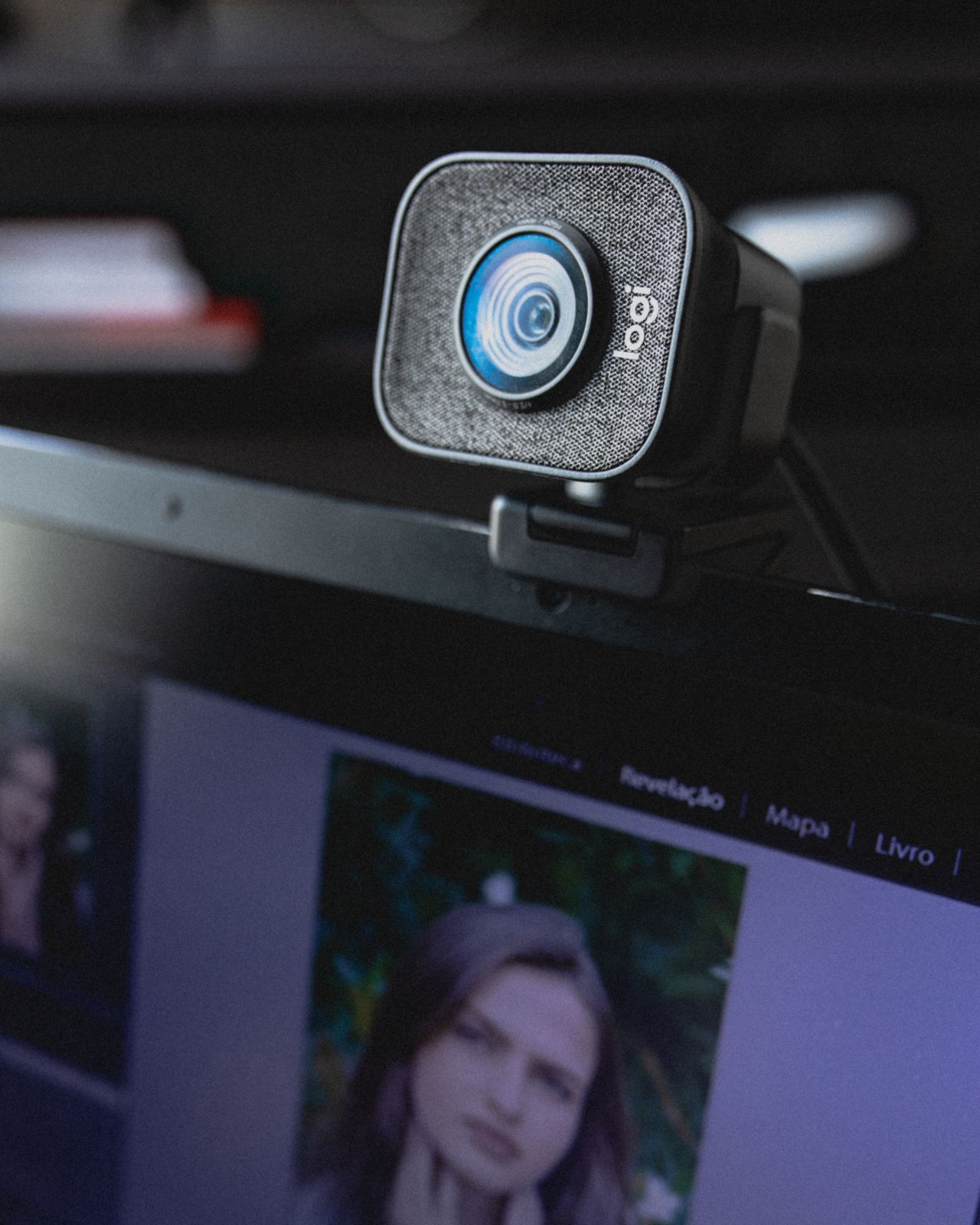
A new webcam is not always the first useful step toward a clearer meeting picture. Position and lighting often matter more than a higher advertised resolution. Open the preview in the application you actually use and judge the frame from your ordinary seated position. Do not lean closer or sit unusually upright just to make the preview look good.
Find a natural frame
Place the camera near your line of sight toward the conversation window. A camera far to the side on a second monitor makes you appear to look away continually. Raising a laptop securely may help an integrated camera, although extended typing may then require a separately positioned keyboard and mouse.
Leave some space above your head and include enough of your shoulders that small movements do not take you out of frame. Check the view when you lean back as well. A tight crop can look tidy in a motionless preview but feel restless during a conversation. Mount the camera so normal desk movement does not repeatedly shift it.
Use light from a useful direction
A bright window behind you can leave your face dark relative to the background. Try turning the workstation or repositioning an existing lamp. Soft light from the front or slightly to one side is often easier to manage than a small, intense source close to your face.
Assess the result at the time of day when your calls happen. A setting that works in the morning may look different in the afternoon. Check reflections in glasses, and avoid an arrangement that requires looking toward an uncomfortable bright light. Buy additional lighting only after identifying what the existing arrangement cannot solve.
Compare the preview with a call
Select the intended camera explicitly in the meeting application. A dock or several connected devices can leave a different source selected. Test background effects while moving your hands and head; broken edges may distract more than a tidy real background.
Finally, inspect objects and readable text behind you. Close and reopen the preview to confirm the setting. A brief trial with another participant also reveals whether the transmitted view is close enough to what you see locally. That check is more useful than judging the camera from its specifications alone.