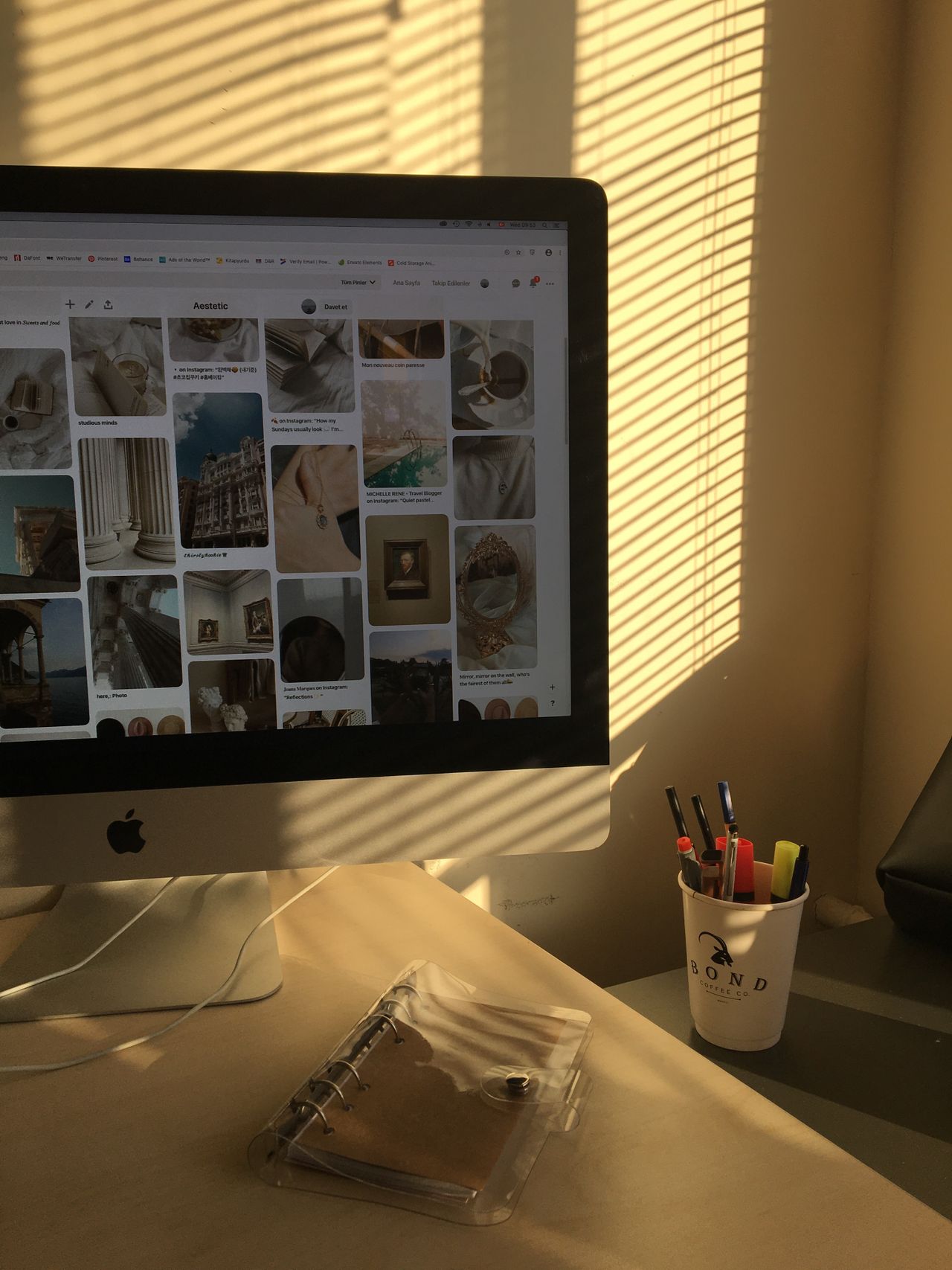
When a window appears as a bright patch on a monitor, increasing screen brightness often provides only limited help. The underlying problem is the position of the light source relative to the display. Locate the reflection first. A dark or switched-off screen can reveal which windows, lamps, and bright surfaces are reflected in it.
Identify the light source
Observe the desk at different times of day. A reflection absent in the morning may appear with low afternoon sunlight. Check the desk lamp and overhead lighting too. Change one thing at a time so you can identify which adjustment actually helps.
It may be possible to turn the screen so a window is to the side rather than directly in front of or behind the viewing direction. Workstation guidance identifies this arrangement as one way to limit glare. Consider the whole desk, however: the new monitor position should not require sitting permanently twisted toward the keyboard.
Use existing shades and positioning
Adjust blinds or curtains without unnecessarily darkening the entire room. A task lamp should illuminate papers rather than shine directly onto the screen or into your eyes. A different lamp angle can achieve more than replacing the bulb.
Clean the display surface according to its manufacturer's instructions, since dust and marks can worsen the impression. Do not use an improvised harsh cleaner to remove what appears to be an unwanted coating. If considering a filter, check its fit and whether it reduces text clarity or useful viewing angles.
Match brightness to the surroundings
Set the display so bright document backgrounds do not feel like an additional lamp while text remains easy to identify. A very large contrast between a dark room and bright monitor may be uncomfortable for the task. Test the arrangement with applications you use regularly, rather than only with a wallpaper image.
Finally, check your normal seated position. If you still move sideways or twist your head to avoid reflections, the setup needs more adjustment. Record the useful arrangement briefly, especially at shared desks. That makes it easier to restore after cleaning or an equipment change. The aim is a stable viewing position that works through the day, not a good result from one carefully chosen angle.