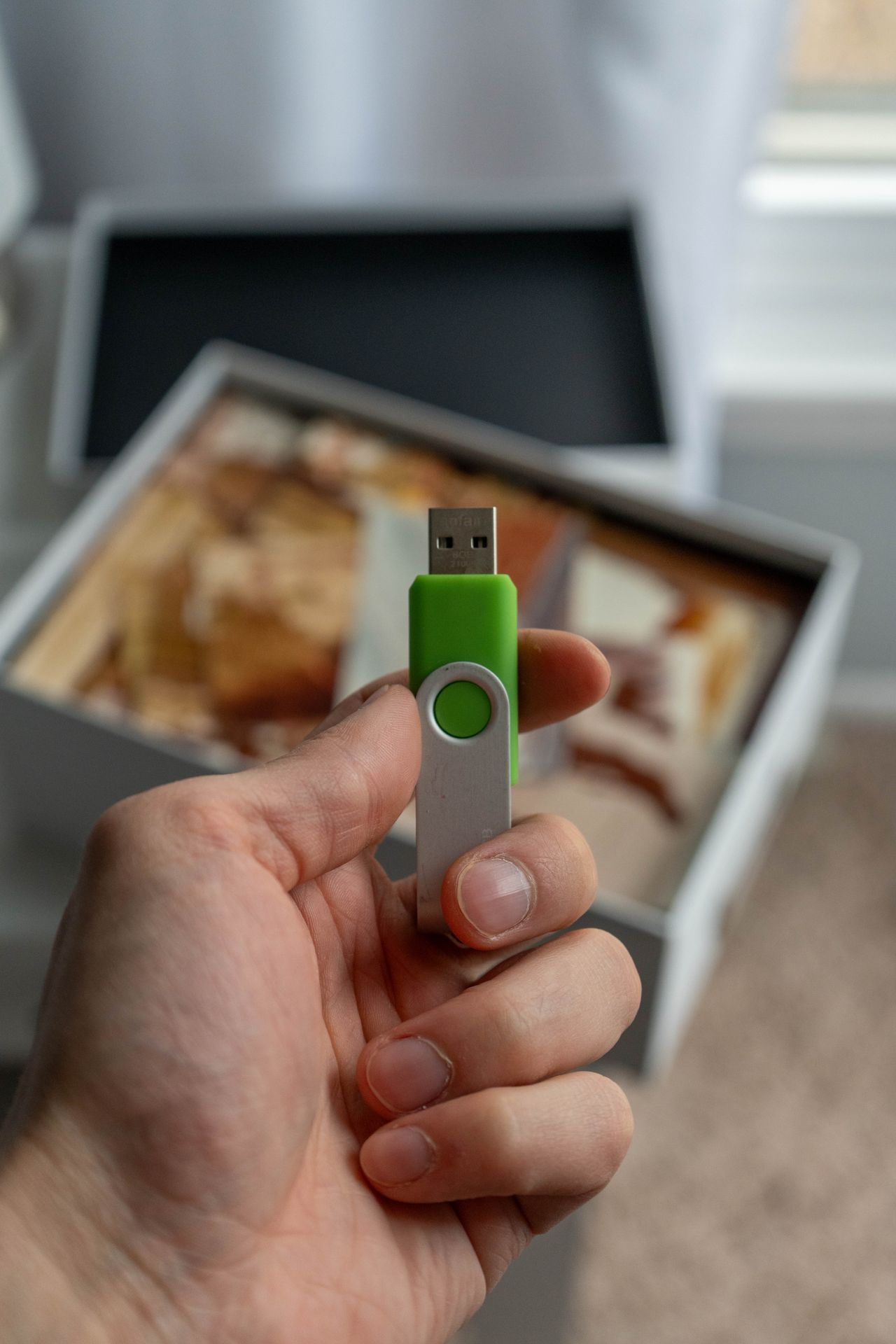
The package advertises a high data rate, yet copying a folder takes longer than expected. That does not necessarily indicate a fault. Interface specifications, drive performance, and an actual file transfer describe different things. First establish which number you are comparing and the conditions behind it.
Read the unit and direction
Gigabits per second and megabytes per second are different units. Eight bits make a byte, and a real transfer also involves overhead. An advertised interface rate therefore cannot be expected unchanged as a file-copy rate. Check the unit rather than comparing only the largest printed number.
Reading and writing can have different speeds on the same drive. Read performance matters when accessing existing media, while write performance matters when filling the drive. If a listing provides only a maximum read figure, important information is still missing for frequent large copy operations.
Find the slower part of the path
Data travels from the source drive through ports and cables to the destination. A slow source remains a limiting factor even when the destination is fast. A dock or adapter can also change the connection path. Check the manufacturer's requirements for the particular operating mode instead of assuming every matching socket performs identically.
Many small files create different management work from one large file. Do not directly compare a photo library with thousands of thumbnails against a test using large video files. Background tasks can introduce further variation. One momentary reading in a copy dialog is less useful than the total time for a completed task.
Make a local comparison repeatable
Use the same nonconfidential test files and computer port for two trials. Record the connection, amount of data, and total time. Do not leave important files without another copy on a drive you intend to format or clean up during testing.
After copying, open several destination files. Speed is useful only when complete, usable content arrives. If results differ substantially from the documentation, try a known suitable cable and a direct connection. Keep the observations so a support request describes the actual setup rather than simply reporting that the drive is slow. This makes the next diagnostic step easier to choose.