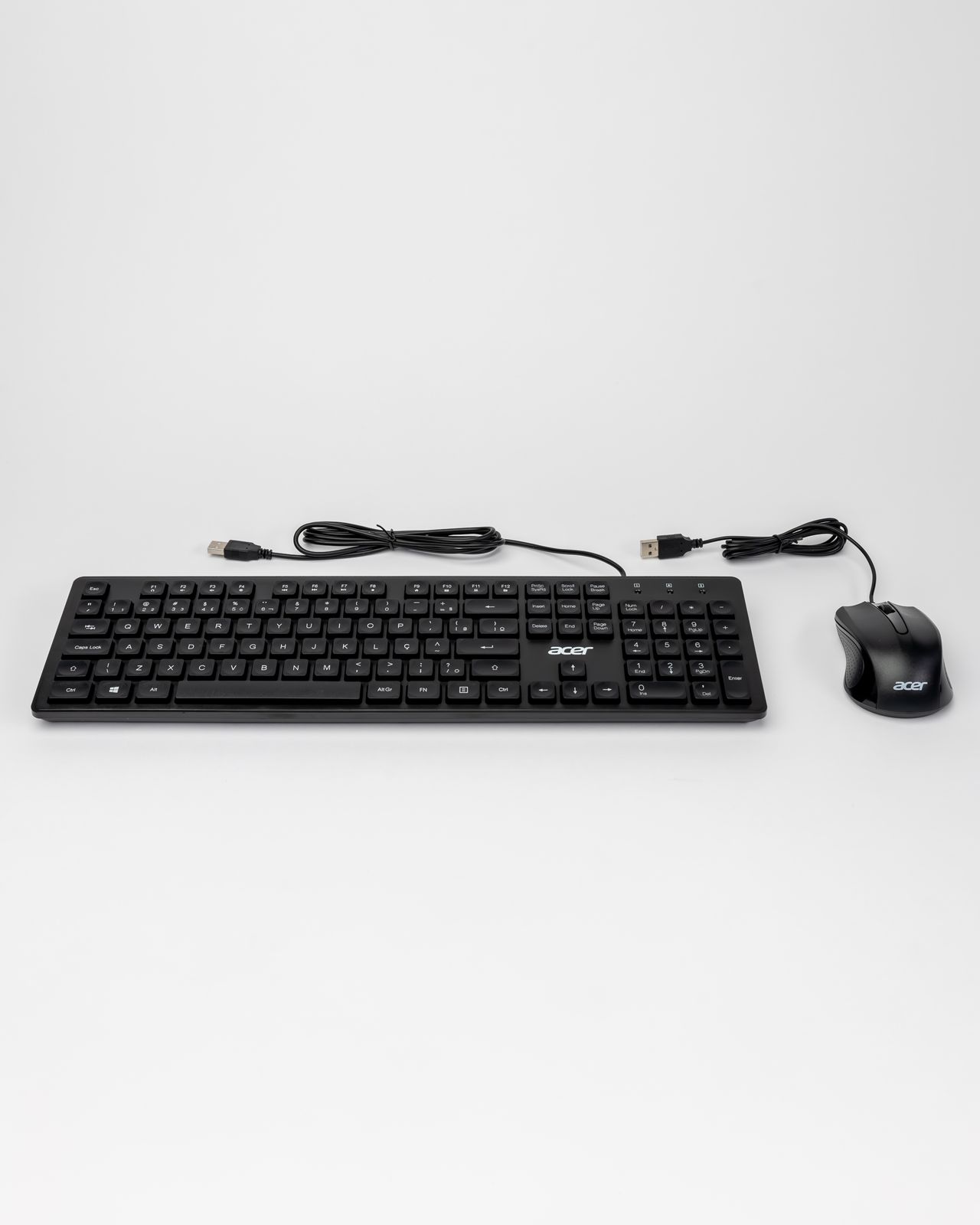
A keyboard fits a workstation when ordinary input does not require constant workarounds. Key switches and sound are only part of that decision. Width, layout, connection, and the mouse position influence the whole setup. Begin with the tasks you perform every day rather than a list of as many special keys as possible.
Decide which layout you need
A number pad can be useful for frequent numerical entry. For mostly written work, a narrower keyboard may leave more room for the mouse. Check which keys are physically present and which require secondary combinations. A compact case is less helpful when every frequently used function needs an unfamiliar shortcut.
Verify the language layout before buying. The legends should match your expectations; changing a software setting does not replace missing or differently arranged keys. If you switch between devices, also establish how modifier keys and operating-system functions behave on each one. Familiar-looking labels can have different roles.
Position the keyboard and mouse together
Place the keyboard in front of you and leave room for the mouse beside it. Workstation guidance considers both devices together because a wide keyboard can push the pointing device farther outward. Assess the arrangement from your ordinary seated position, not while reaching across a retail display.
Check the height of the front edge and available adjustment. A steep tilt is not automatically comfortable. A palm support should suit the actual position rather than adding pressure. If you already have discomfort, changing the keyboard alone is not a dependable solution to every possible cause in the workstation.
Include everyday operation
In a shared office, typing noise may matter more than illuminated legends. Where possible, try complete sentences and familiar shortcuts. For wireless models, consider battery replacement or the charging connection, as well as reconnecting after a pause. Switching between devices should have a clear indication of the active destination.
Before ordering, record the preferred width, layout, and connection. Then check dimensions and the seller's return conditions rather than comparing photographs alone. The useful feature set is the one that supports your frequent input and leaves room for the rest of your work. Extras that remain unused do not compensate for an unsuitable layout or an awkward position on the desk.